Market
Follow the money.
The Top Earning chart with estimated earnings, who's climbing and falling, sectors by genre and theme, and an opportunity map.
Features
From the first spark to the week after launch, with earnings estimates at every step.
Every few hours Blox Academy reads Roblox's charts and turns what's working into game ideas, each with a pitch, a core loop, a hook and a first-release plan.
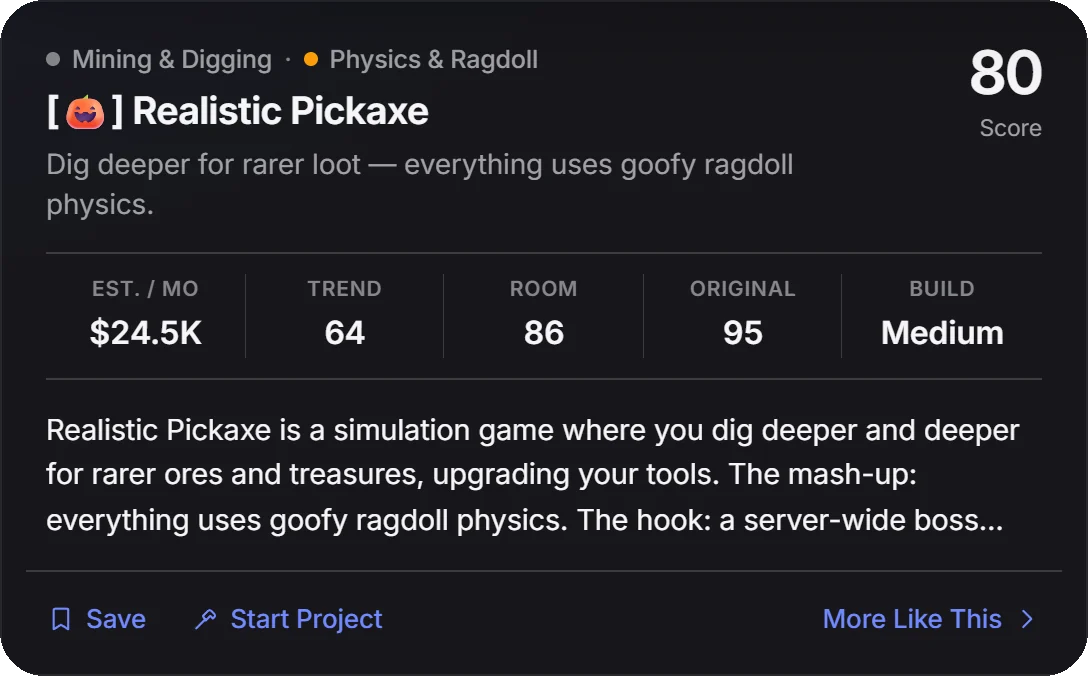
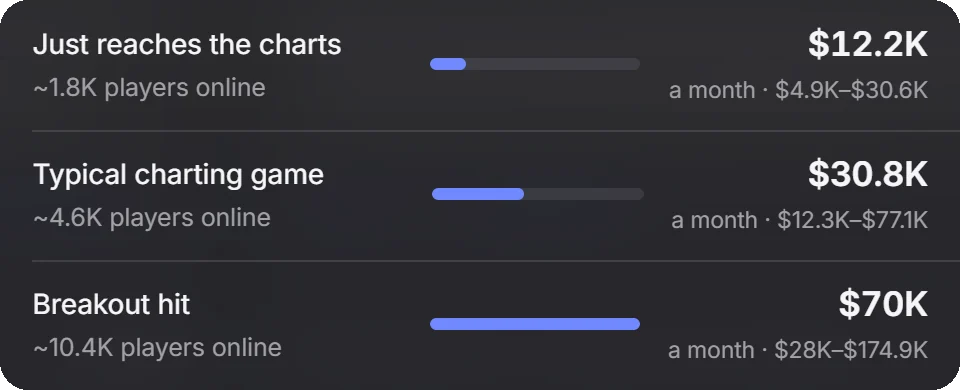
Every idea, game and project shows an estimated monthly range: if it just reaches the charts, as a typical charting game, and as a breakout hit.
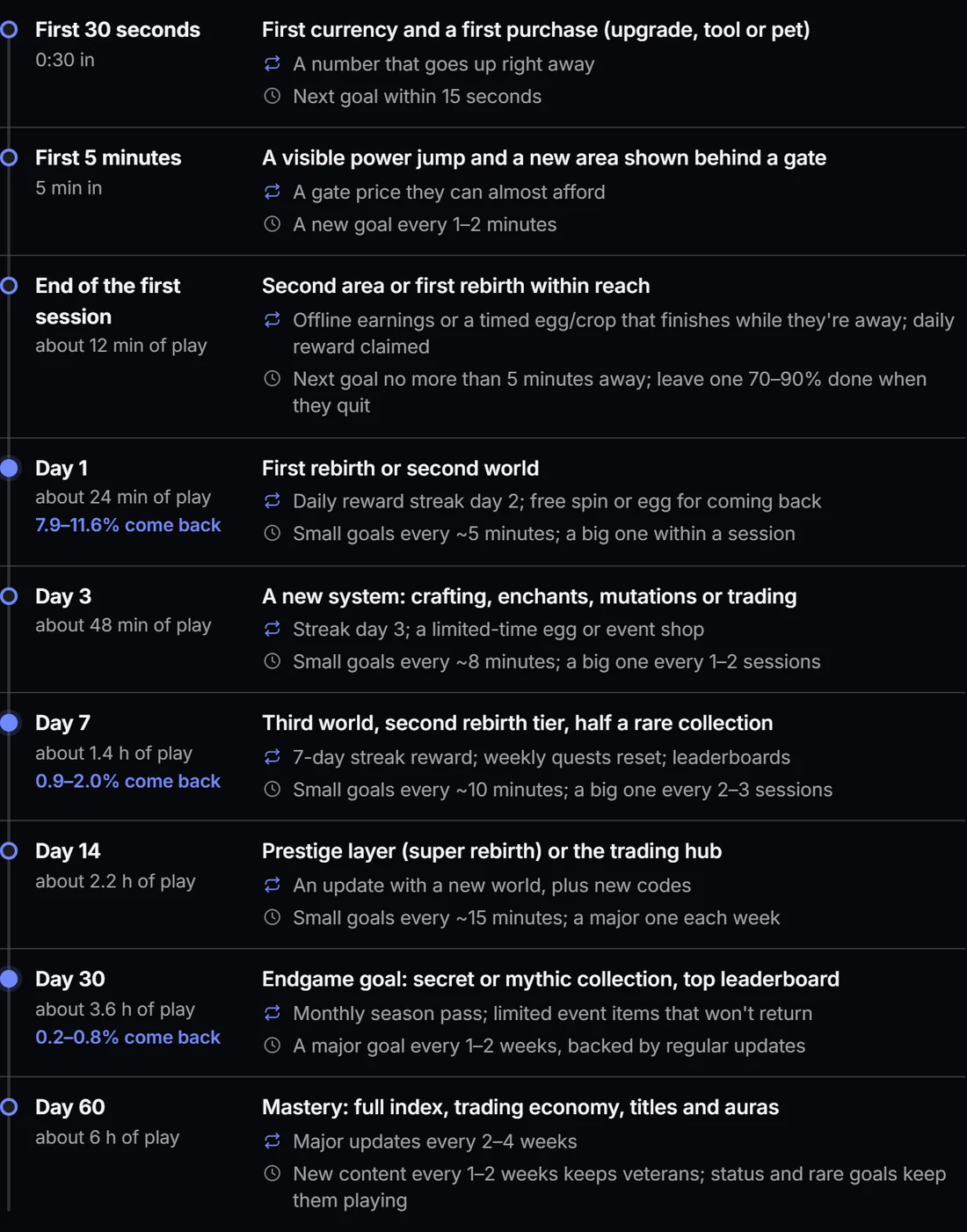
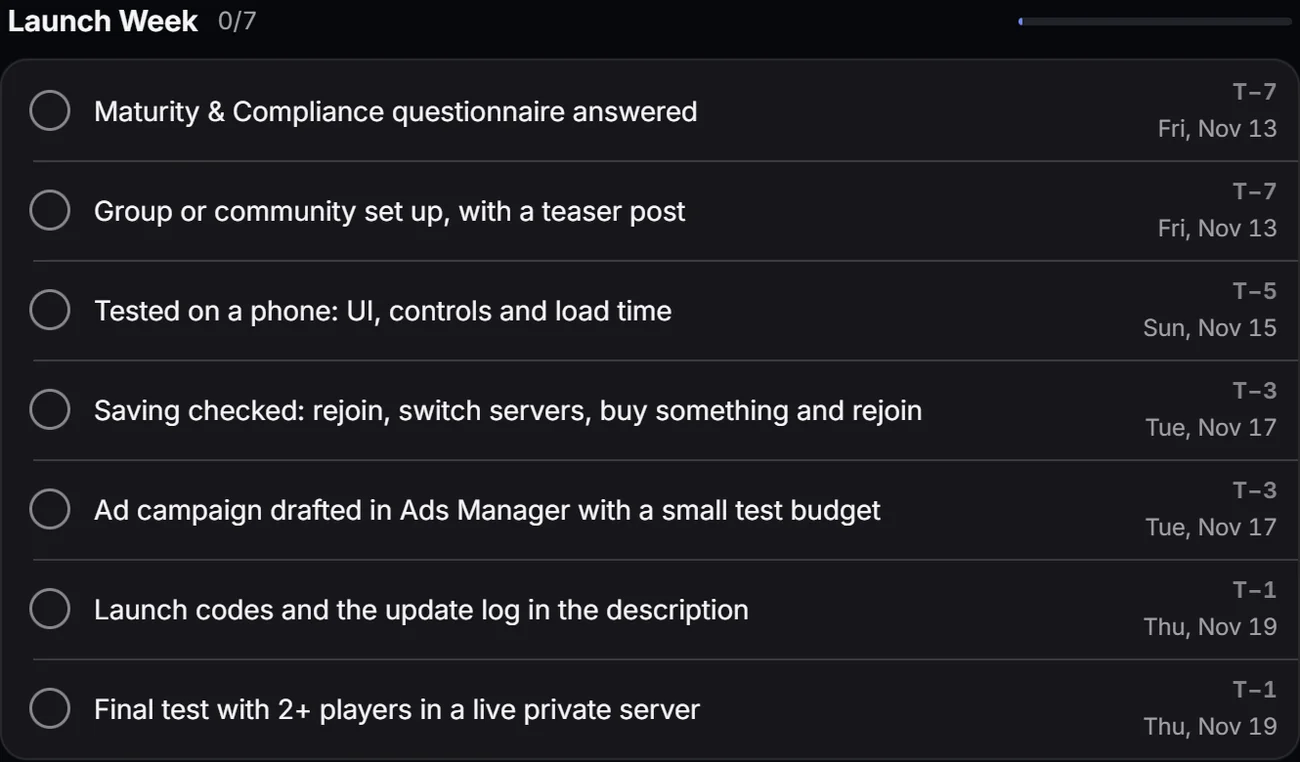
Turn an idea into a project with a launch date and a Roblox checklist. Log playtests, draft patch notes, and map when players should hit each milestone.
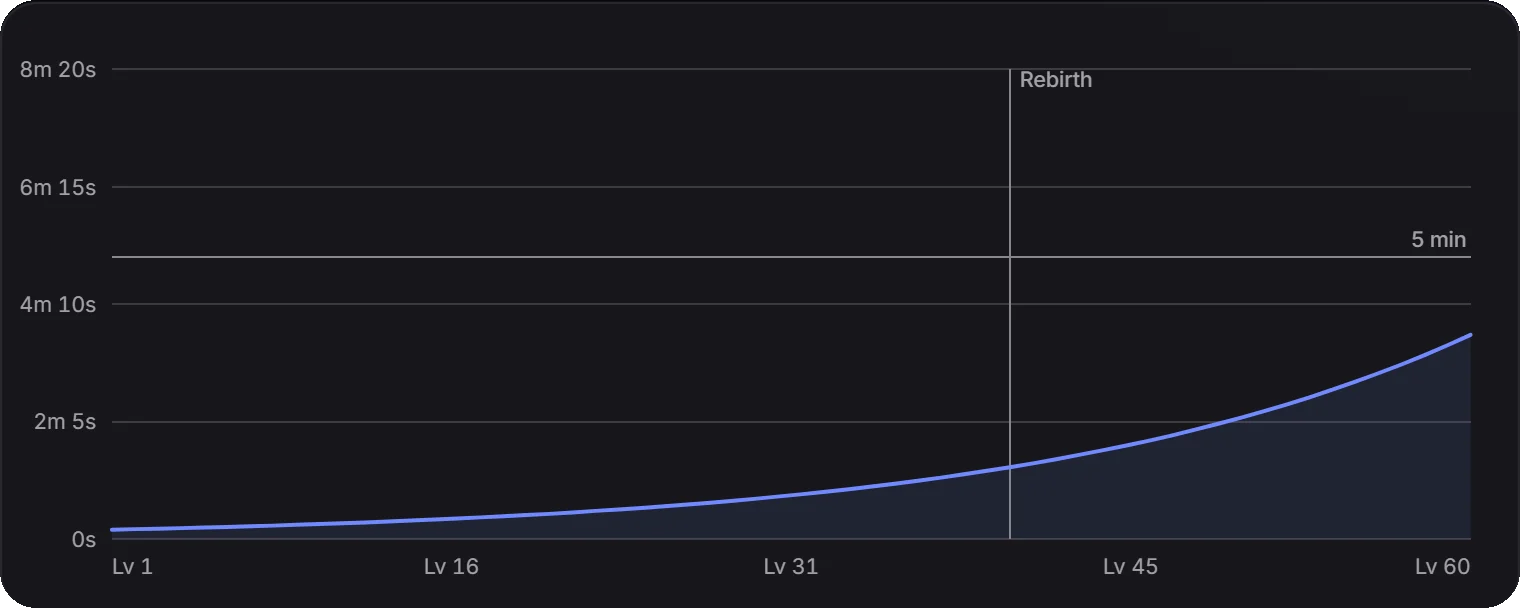
Shape your upgrade curve before you script it: the wait before each level, the first rebirth, and a full run. Then copy it straight into Luau.

The Starter Kit builds a Roblox place from your project, scripted in Luau and organized the way Roblox recommends. Download a place file for Studio or a Rojo project for VS Code.
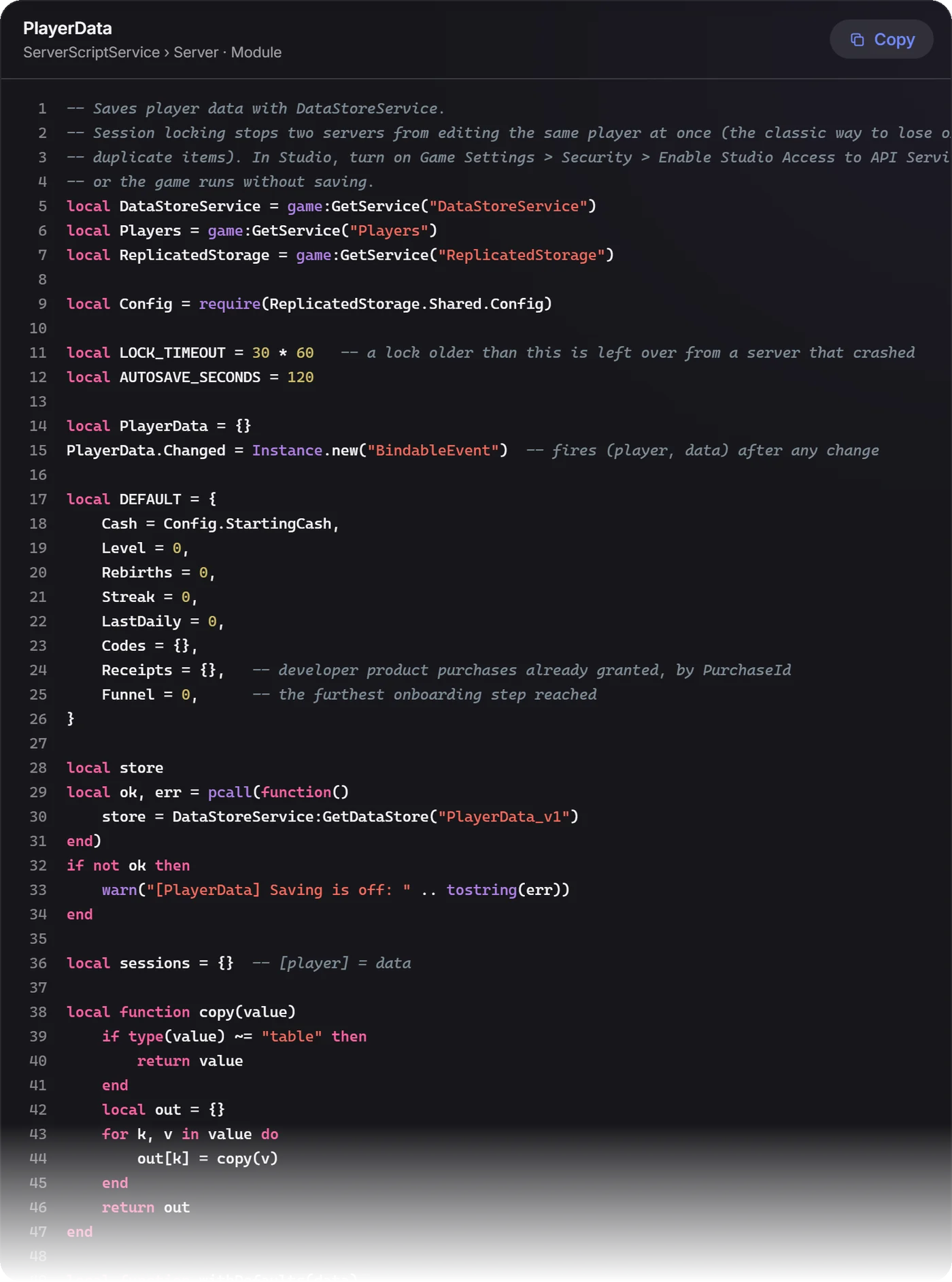
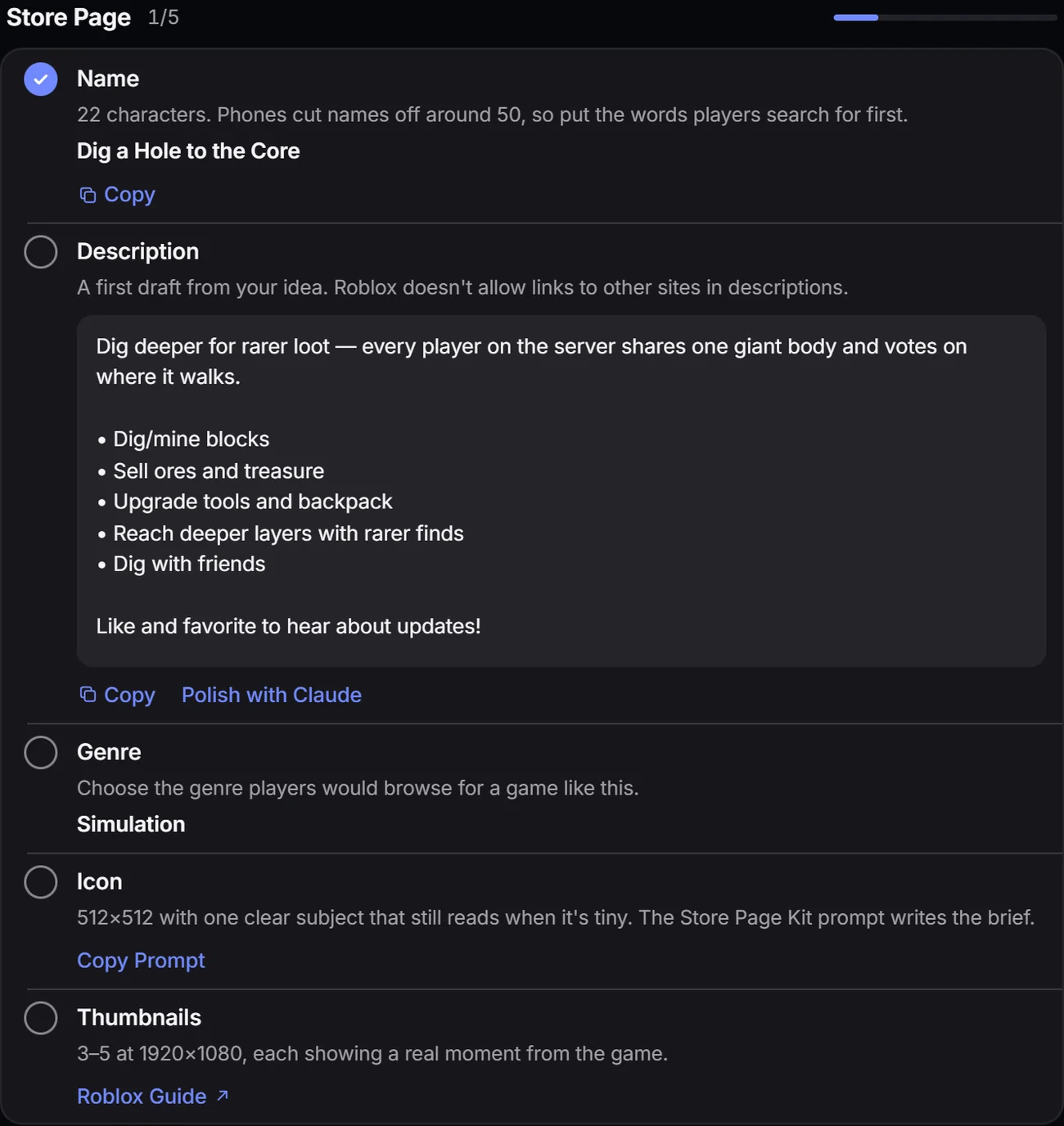
Publish walks you through 22 steps filled in from your project, from the description draft to the maturity questionnaire. Store Check then reads your live game page the way players see it, and scores it.
Launch
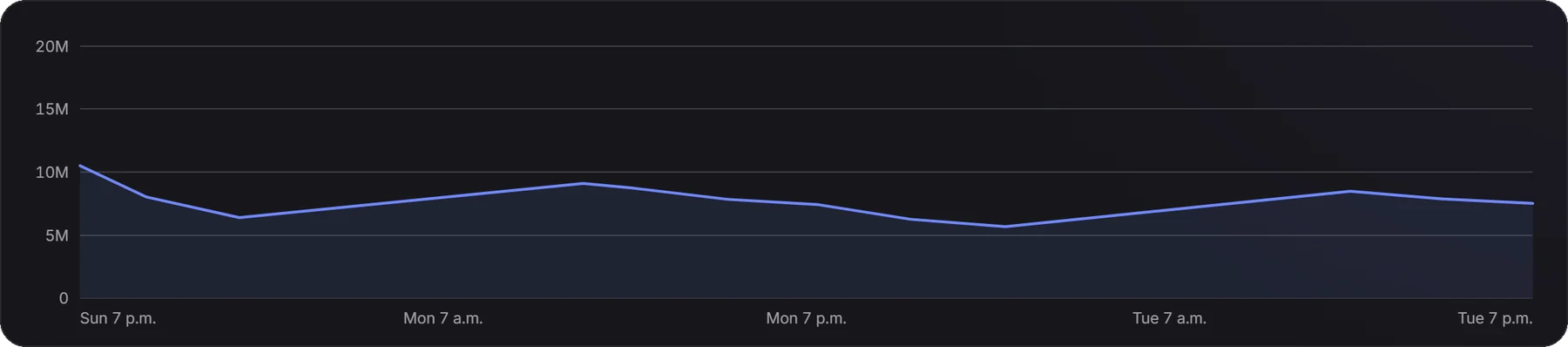
Go live when players are online, follow a dated runbook, and find out whether ads will pay for themselves.
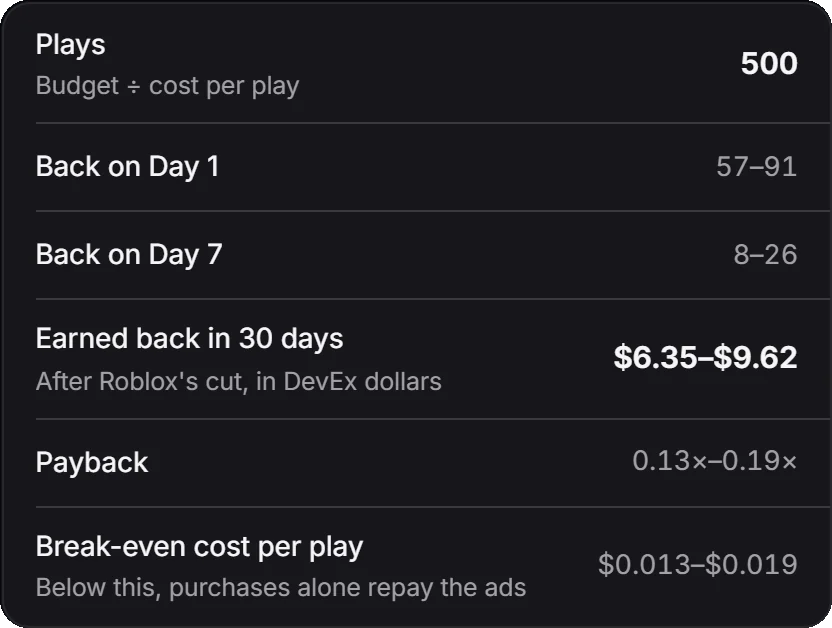
Enter a budget and a cost per play. See plays, players back on day 1 and 7, what they'd spend in 30 days, and the break-even cost per play, using published retention benchmarks.
Every step dated from your launch, from feature freeze to the first update, with Day 1 and Day 7 retention targets.
Countdown Thumbnails
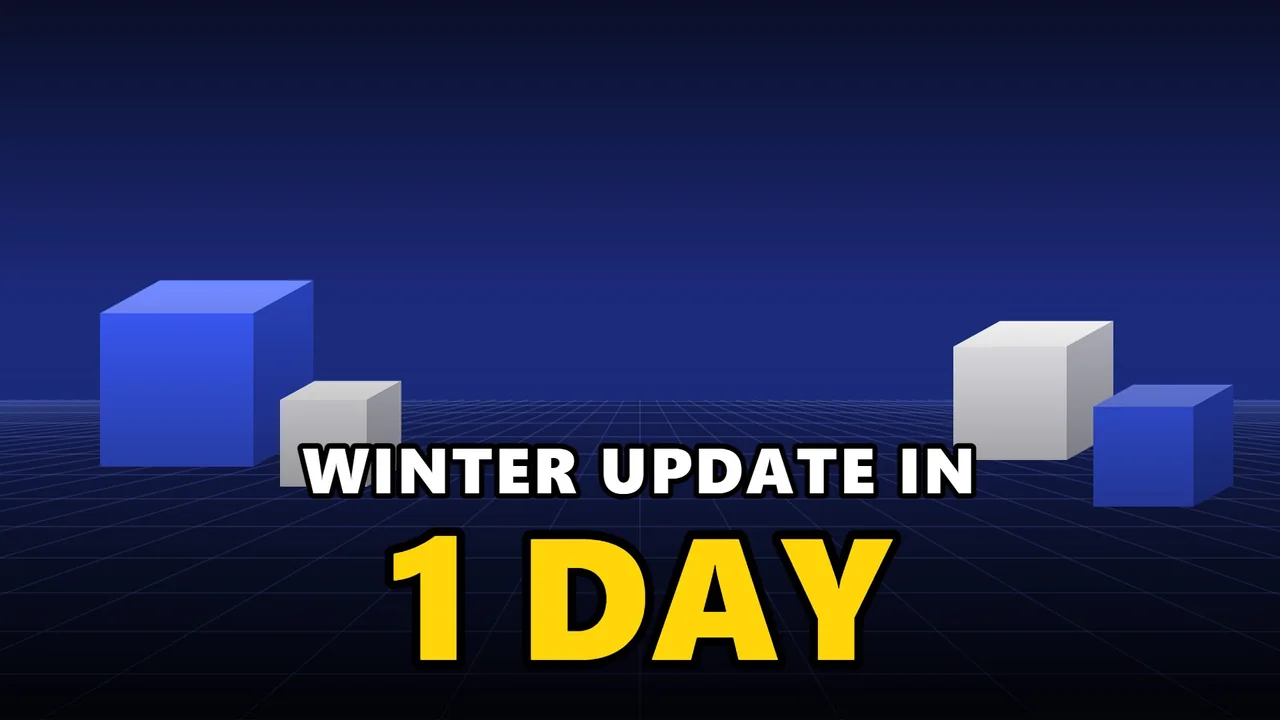
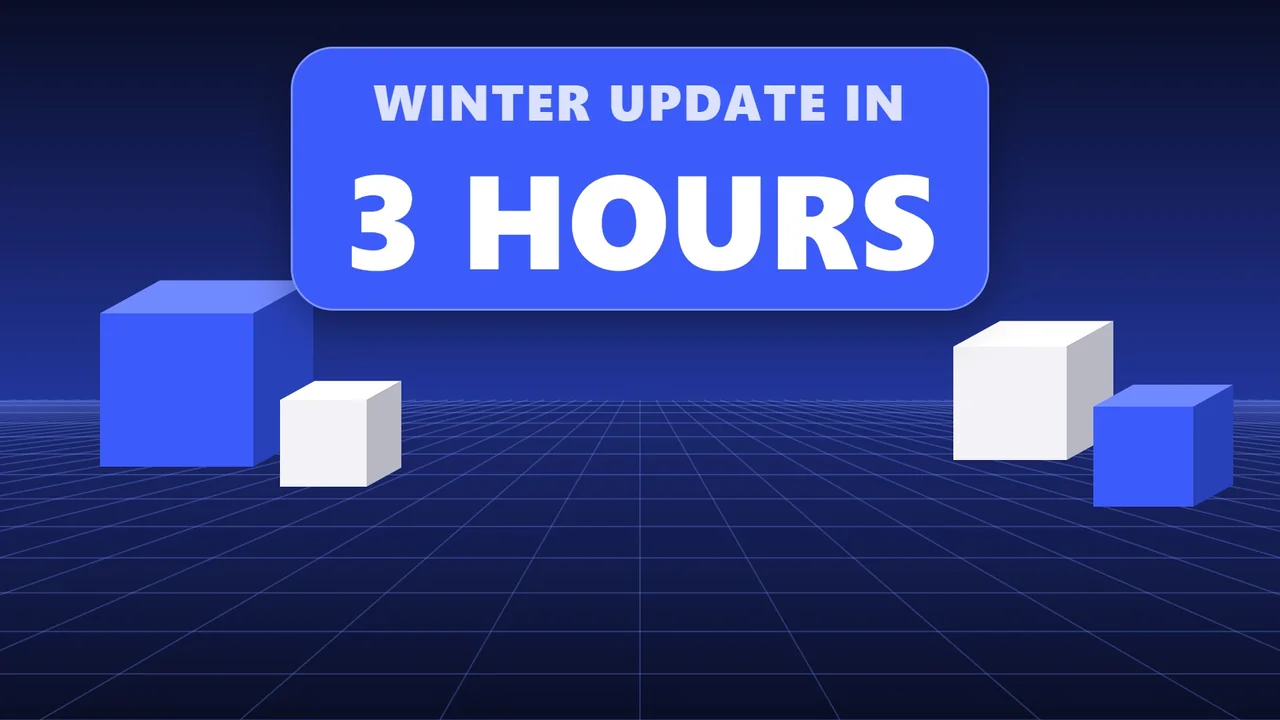
Set when your update goes live. Your game's thumbnails switch from “3 days” to “Out now”, right on time, even with your computer off. Then your own come back.
Research
The Top Earning chart with estimated earnings, who's climbing and falling, sectors by genre and theme, and an opportunity map.
Every theme scored, with working title formulas, surging words, breakout games and what top games sell.
Players, history, game pass prices, comeback hooks and an estimated monthly figure. Find any game on Roblox and track it from then on.
Grow
A small script in your game counts real players, day-1, 7 and 30 retention, Robux by item, funnels, A/B tests and script errors, next to benchmarks for games like yours.
Two weeks ahead for any game and every theme: players and what they'd earn, always as a range, checked against its own history.
A competitor jumps, a theme turns hot, your search rank slips or your game throws a new error. By email, or straight into your Discord channel.
What players type into Roblox search, how hard each phrase is to rank for, a title check, daily rank tracking and phrases that just started trending.
Icons and thumbnails at Roblox's exact sizes, checked at real size next to the games you're up against, with prompts for the AI tool you use.
Share a project with your team. Everyone sees the same checklist and activity, and patch notes post to your Discord.
Change settings without a new version, schedule double-coin weekends and sales that switch back by themselves, broadcast to every server, bring players back with notifications, and see which campaign link earns its cost back.
Look a player up, see what they bought, fix their saved data from an earlier version, ban or unban with a reason, and keep notes. Every action is logged with who did it.
Claude in Studio
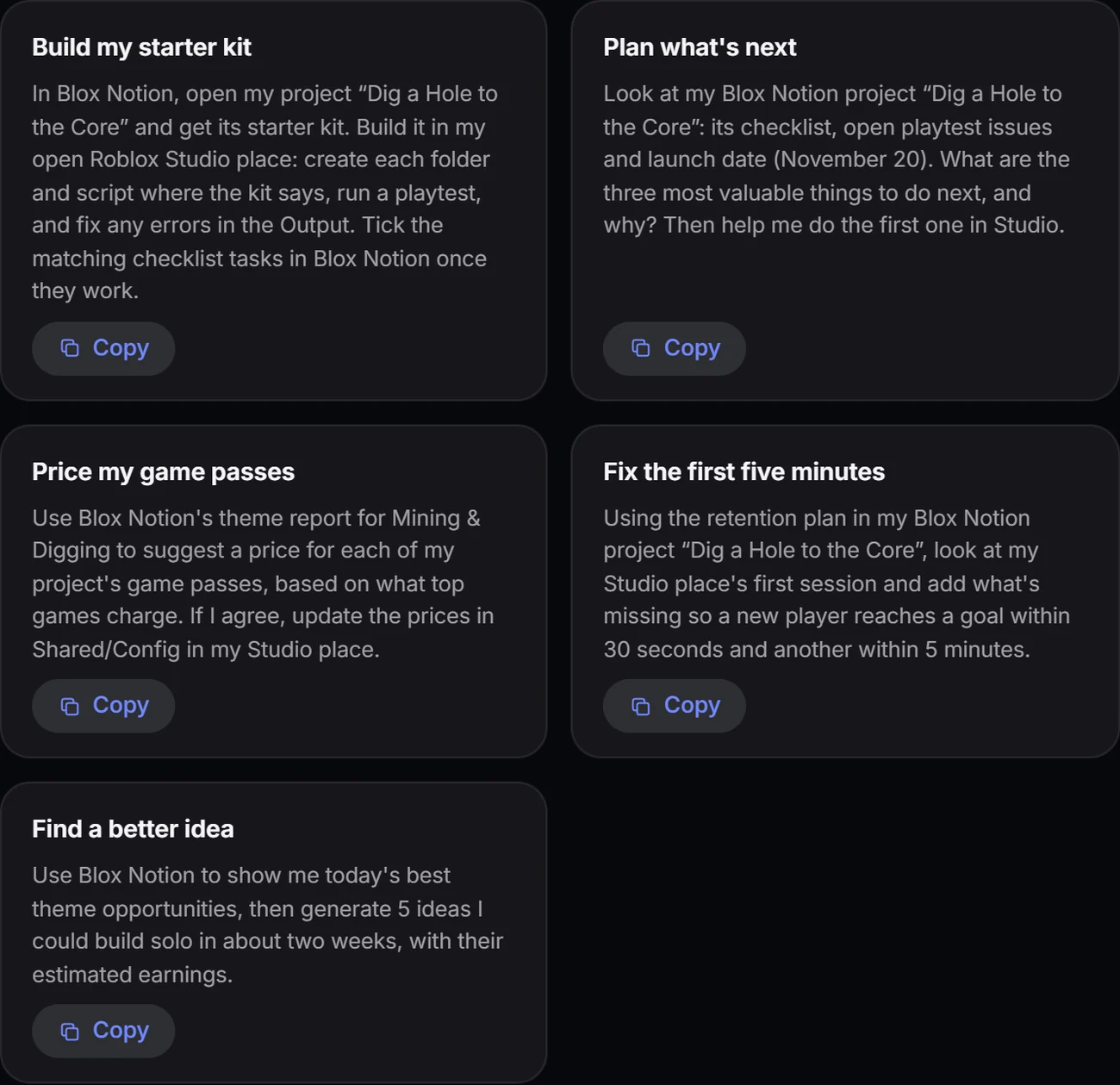
Make a private connector link and add it to Claude. Claude reads your project, prices and starter kit, builds them in Roblox Studio, and ticks off your checklist.
All in one place